Building hierarchy with type sizes

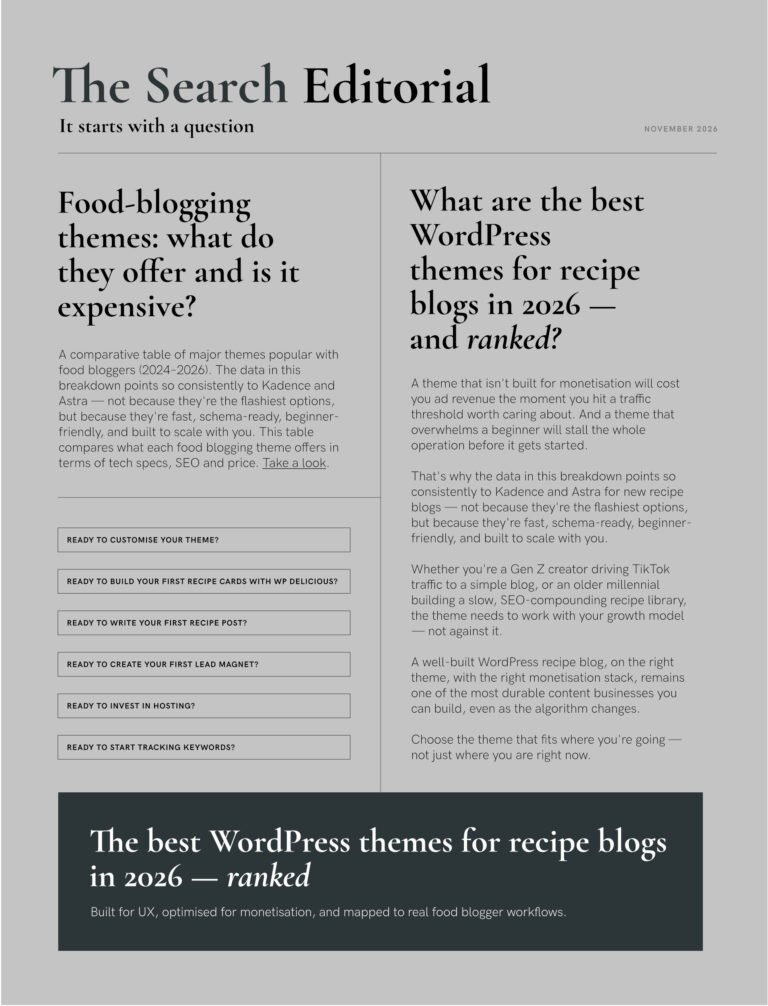
A minimalist coupling of headline and body copy is the most effective way to communicate a simple message. Even if there is a wall of copy, the best way to structure information is to divided it up into sections of relevance or urgency. Using a clear and bold headline with it’s accompanying text running underneath it is practical way to communicate.
Above is an example of a digital layout where decisions about size and readability had to be considered.
Website banner size: 1024 x 200px
Using the typescale tool:
Headline: 22pt
Body Copy: 8.5pt
Fine Print: 5.3pt

Questions I asked here:
Is the body copy’s legibility altered due to colour change?
Does that light pastel blue affect its readability?
Or was that size too small anyway?

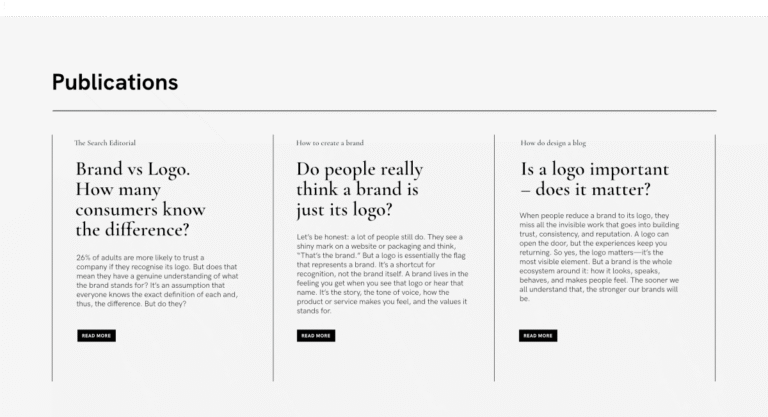
An alternative layout using colour before considering another type size:
What happens when the body copy is black or any darker colour that acts as a black.
Is it legible, readable?
Experimenting more with building hierarchy with type sizes

Another version:
What happens when you go higher up the typescale set?
Notice the headline size change.
Using the typescale tool:
Headline: 36pt
Body Copy: 8.5pt
Fine Print: 5.3pt

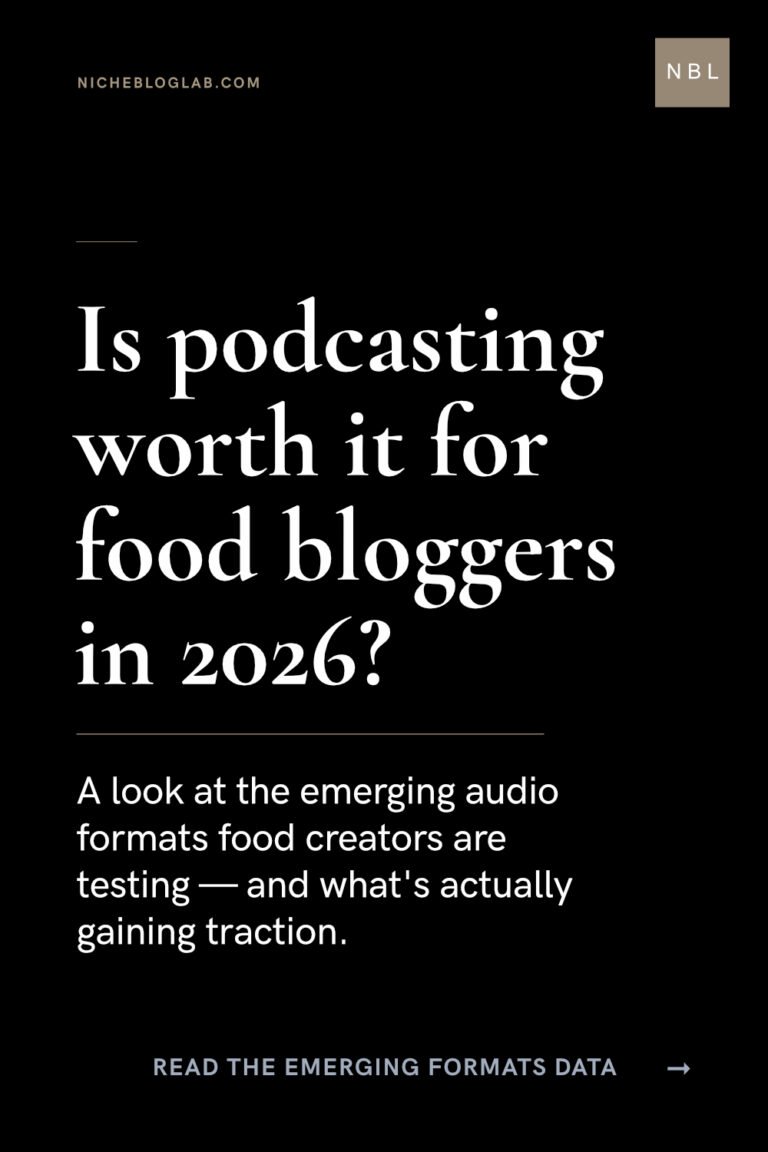
A final alternative:
What happens when you make a decision on what gets seen first and what doesn’t.
Using the typescale tool:
Headline: 36pt
Body Copy: 13pt
Fine Print: 5.3pt
What happens when you decide how information is divided up to build hierarchy with type sizes?
Structuring the layout into visible sections of text allowed the type sizes to come to full affect.
TIP: White is not a colour in the technical sense so I wouldn’t make this exercise about working with a colour palette. See it as a non-colour, negative space used to structure information.
If you liked this post, you’ll want to read this one too.